

How to Create a Custom Itinerary: Expert Steps for Perfect Travel Plans
Updated March 23, 2026
Planning a trip should feel exciting, not like a chore. But let’s be honest—organizing all those swirling ideas into a plan can get overwhelming fast.
A custom itinerary keeps all your trip details together and lets you stay flexible, so you can actually travel your way. No more cramming yourself into someone else’s schedule or joining tours that just don’t fit.
When you create your own itinerary, you call the shots. Want to linger at a museum? Go for it.
Prefer street food over fancy restaurants? You decide. Need a slow morning or a spontaneous detour? That’s up to you. And here’s a secret: you don’t need to be a pro to pull it off.
It’s honestly easier than it looks. With a little structure and a few good tools, you’ll have a trip plan that keeps you organized but doesn’t box you in. I’ll walk you through it, step by step, so you can build an itinerary that actually fits how you travel.
Key Takeaways
- Custom itineraries put you in charge of your trip’s pace, spending, and experiences
- Templates and planning tools make organizing everything way less stressful
- The best itineraries balance a bit of structure with room for spontaneous fun
Table of Contents
- Understanding Custom Itineraries
- What Is a Travel Itinerary?
- Benefits of a Personalized Trip Itinerary
- Types of Itinerary Templates
- Key Components of Structured Itinerary Planning
- Choosing the Right Tools and Templates
- Popular Itinerary Maker Platforms
- Evaluating Free vs. Paid Itinerary Templates
- Utilizing Drag-and-Drop Tools
- Leveraging AI-Powered Itinerary Generators
- Step-by-Step Guide to Building Your Custom Itinerary
- Gathering Essential Trip Information
- Selecting and Customizing an Itinerary Template
- Defining Your Destinations and Travel Route
- Incorporating Key Travel Details
- Adding Flight Information and Reservations
- Organizing Hotel Stays and Accommodation
- Scheduling Activities and Attractions
- Enhancing and Personalizing Your Itinerary Design
- Structuring a Day-by-Day Itinerary
- Design Tips for Readable and Attractive Layouts
- Collaborative Group Travel Planning
- Final Touches and Smart Sharing Options
- Integrating Packing Lists and Travel Tips
- Exporting, Printing, and Sharing Your Itinerary
- Frequently Asked Questions
- What are the essential components of a successful travel itinerary template?
- What are some innovative strategies for crafting a creative and engaging itinerary?
- Can you recommend any AI tools that assist in the creation of detailed travel itineraries?
- Could you guide me through using Excel to design a functional and user-friendly travel itinerary?
- What are the steps to effectively utilizing a Word document as a travel itinerary planner?
- How can I leverage Google Maps on my iPhone to streamline the process of itinerary planning?
- Book Your Dream Experience
- More Travel Guides
Understanding Custom Itineraries

A custom itinerary hands you the wheel. You focus on your interests, your pace, and your budget—not someone else’s timeline. These plans cover your days, activities, transport, and places to stay.
What Is a Travel Itinerary?

A travel itinerary is basically your trip’s roadmap. It lays out where you’ll go, what you’ll do, and when you’ll do it.
Think of it as your daily schedule for vacation. Sure, it lists flights and hotels, but the magic is in the details—addresses, confirmation numbers, even backup plans.
People often confuse itineraries with simple schedules. Here’s the difference: an itinerary connects everything. It shows how to get from your morning museum stop to your afternoon food tour.
You can create one in a Google Doc, a spreadsheet, or even use booking sites like Expedia that organize it for you. The format? Honestly, whatever keeps you sane and organized.
Benefits of a Personalized Trip Itinerary

Package tours often mean 6 AM wake-ups and forced stops at touristy gift shops. If you’d rather wander a local market or sleep in, a personalized itinerary is the way to go.
You get to decide: three museums in a day, or just one followed by a lazy coffee break? Custom itineraries lead to way more satisfaction than the cookie-cutter tours—studies even back this up.
Budget-wise, you’re in control. Splurge on a meal, save on a hotel, or vice versa. Packages don’t always let you mix and match like that.
And pacing? Some folks want to see everything, others just want to soak in a few spots. Your itinerary can reflect that, no problem.
Types of Itinerary Templates

Day-by-Day Templates break the trip into daily chunks. Each day gets its own morning, afternoon, and evening blocks—great for cities where you’re hopping between sights.
Destination-Based Templates group everything by place. All your Paris plans, then all your Rome plans, and so on. This is handy for multi-city trips.
Activity-Focused Templates sort things by type—food, museums, outdoor stuff. That way, you can see if you’re overloading on one thing or missing out on another.
A template saves you from starting with a blank page, but don’t let it limit you. Start with a base and tweak it until it fits your travel style.
Key Components of Structured Itinerary Planning

For your itinerary to actually help you, it needs more than vague ideas like “lunch” or “sightseeing.” Specifics matter when you’re on the ground, possibly lost, and hungry.
Transportation Details: Spell out how you’ll get from A to B. “Take the 2 train to 72nd Street” is way more useful than just “go to museum.” Estimate travel times so you don’t double-book yourself.
Timing and Duration: Be realistic about how long things take. Museums might need 2-3 hours, not 45 minutes. Leave room for lines, detours, and random photo stops. Don’t forget buffer time.
Backup Options: Weather, closures—stuff happens. List a couple of backup activities for each day. If your hike gets rained out, you’ll know what to do instead.
Contact Information: Jot down phone numbers and addresses for hotels, restaurants, and tour operators. If your phone dies, you’ll be glad you did.
Confirmation Numbers: Keep all your booking codes in the itinerary. You’ll need them for check-ins and if anything goes sideways.
Choosing the Right Tools and Templates

Good tools make building your itinerary less of a headache. Some platforms offer simple templates, while others use AI to whip up whole schedules. Picking the right one for how you plan saves a lot of time.
Popular Itinerary Maker Platforms
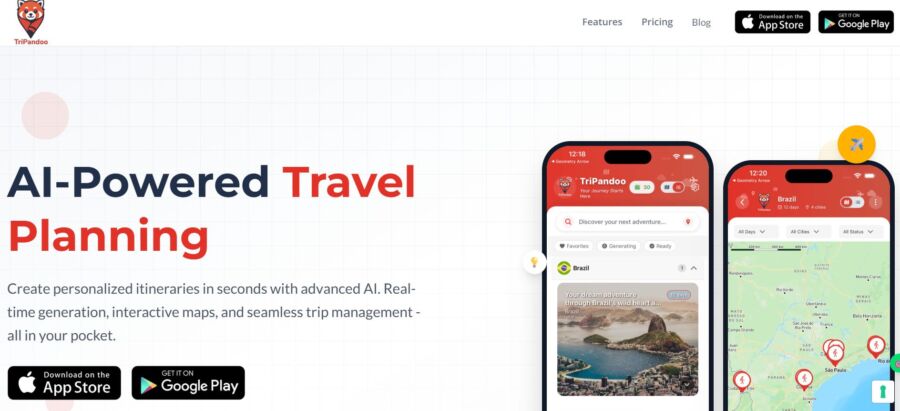
A few travel planner platforms really stand out these days. TriPandoo uses AI to generate full itineraries in minutes, based on your preferences and budget. Wanderlog is a favorite for budget travelers—it’s free and lets you optimize routes, plan with friends, and more.
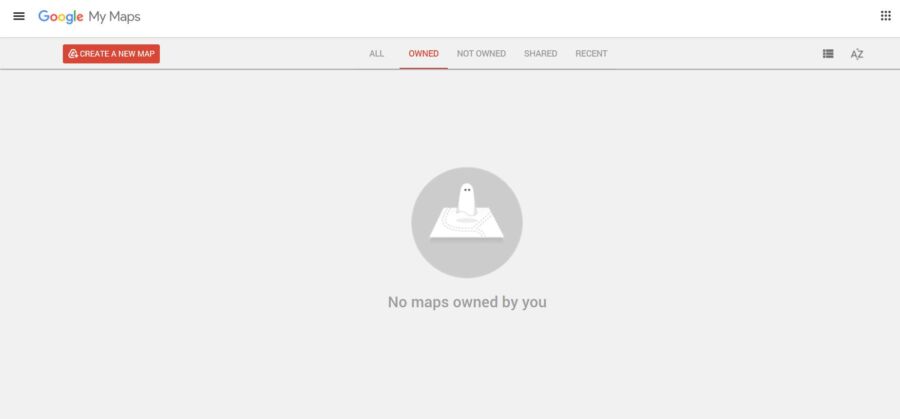
Google My Maps is great if you’re a visual thinker. You can build custom maps with layers for each day and pin notes to every spot.
TripIt goes hands-off: just forward your confirmation emails and it organizes everything by date. For road trips, Roadtrippers is awesome for finding cool stops along your route.
Notion is the most customizable, but it’s a bit nerdy. It’s not built for travel, but you can make it do whatever you want.
Evaluating Free vs. Paid Itinerary Templates
Honestly, free templates do the job for most trips. I rarely find myself needing to pay for extras. Wanderlog and Google My Maps give you all the basics—organizing by day, mapping locations, sharing with your travel crew.
Paid versions add some bells and whistles. TriPandoo’s premium ($9.99/month) gives you more AI suggestions and offline access. TripIt Pro ($49/year) adds flight alerts and seat tracking.
Unless you travel a ton or need something super specific, stick with the free stuff. Most people won’t hit the limits.
Best bet? Start with free tools, and only pay if you really need an upgrade.
Utilizing Drag-and-Drop Tools

Drag-and-drop itinerary builders make planning feel less like work. You just grab activities and move them around until your days make sense. Wanderlog is especially good at this; you can drag destinations to different days and it’ll recalculate travel times.
Seeing your plan visually helps you catch mistakes fast. If you’ve scheduled a morning tour across town from your afternoon activity, you’ll spot it right away.
Travefy is another solid option, especially for making pretty, shareable itineraries. Just drop in your details—flights, hotels, whatever—and you’re set. If you hate staring at endless lists, these drag-and-drop tools are a lifesaver.
Leveraging AI-Powered Itinerary Generators
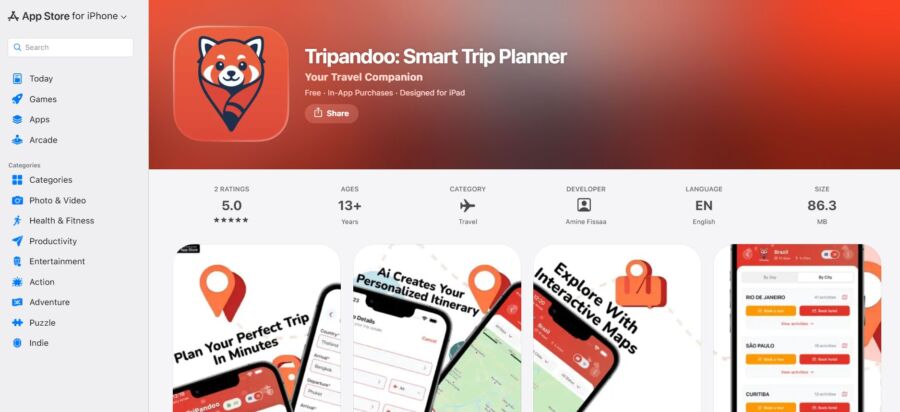
AI-powered itinerary generators can take your preferences, dates, and budget, and spit out a rough plan in minutes. TriPandoo’s AI checks things like opening hours, travel times, and what’s nearby to build a daily schedule.
AI helps most when you’re clueless about a destination. It might suggest places or experiences you’d never have found on your own.
But let’s be real: AI isn’t perfect. Sometimes it overpacks your days or misses local quirks. You’ll still need to tweak the plan to fit your energy and interests.
Use AI as a jumping-off point, not the final word. It’s better than a blank page, but you’ll make it your own.
See Related: Gotogate vs FlightNetwork: Powerful Insights for a Smarter Booking Decision
Step-by-Step Guide to Building Your Custom Itinerary

Making a custom itinerary boils down to three things: gathering your trip info, picking a framework, and mapping out your route. That’s how you turn scattered ideas into a plan that works.
Gathering Essential Trip Information
Before you mess with any templates or bookings, nail down the basics. What are your travel dates? How many days will you actually be there? (Don’t forget to subtract travel days—people always forget.)
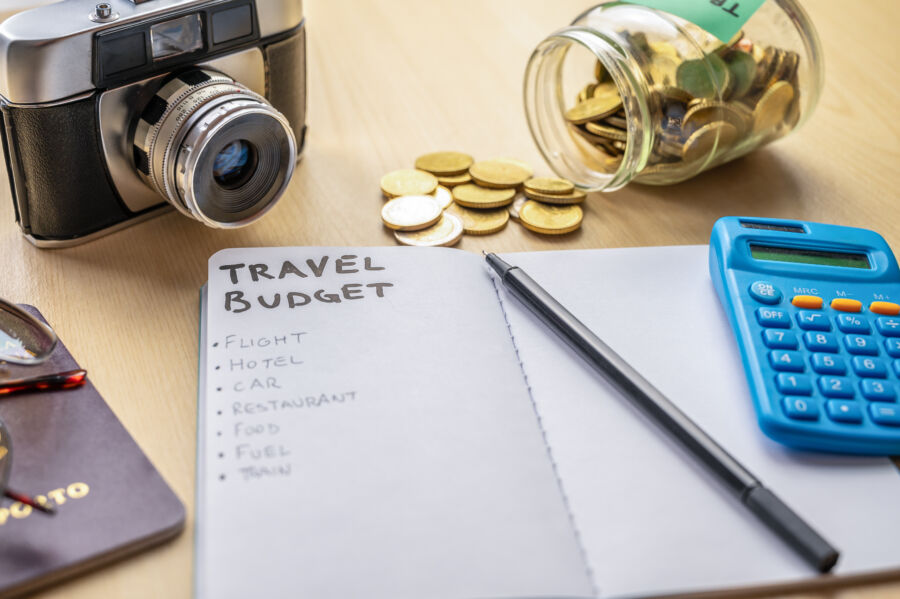
Figure out your budget. Split it into lodging, food, activities, and transport. Having real numbers beats vague guesses every time.
Who’s coming with you, and what do they care about? A solo adventure is a whole different beast from a family trip. Write down any mobility needs, food restrictions, or must-see sights for each person.
Check visa requirements and vaccines early. I’ve seen folks scramble at the last minute for paperwork that takes weeks to get.
Jot down your deal-breakers and top priorities. Maybe you need AC, refuse early mornings, or want at least one fancy meal. These little details shape your trip more than you’d expect.
Selecting and Customizing an Itinerary Template
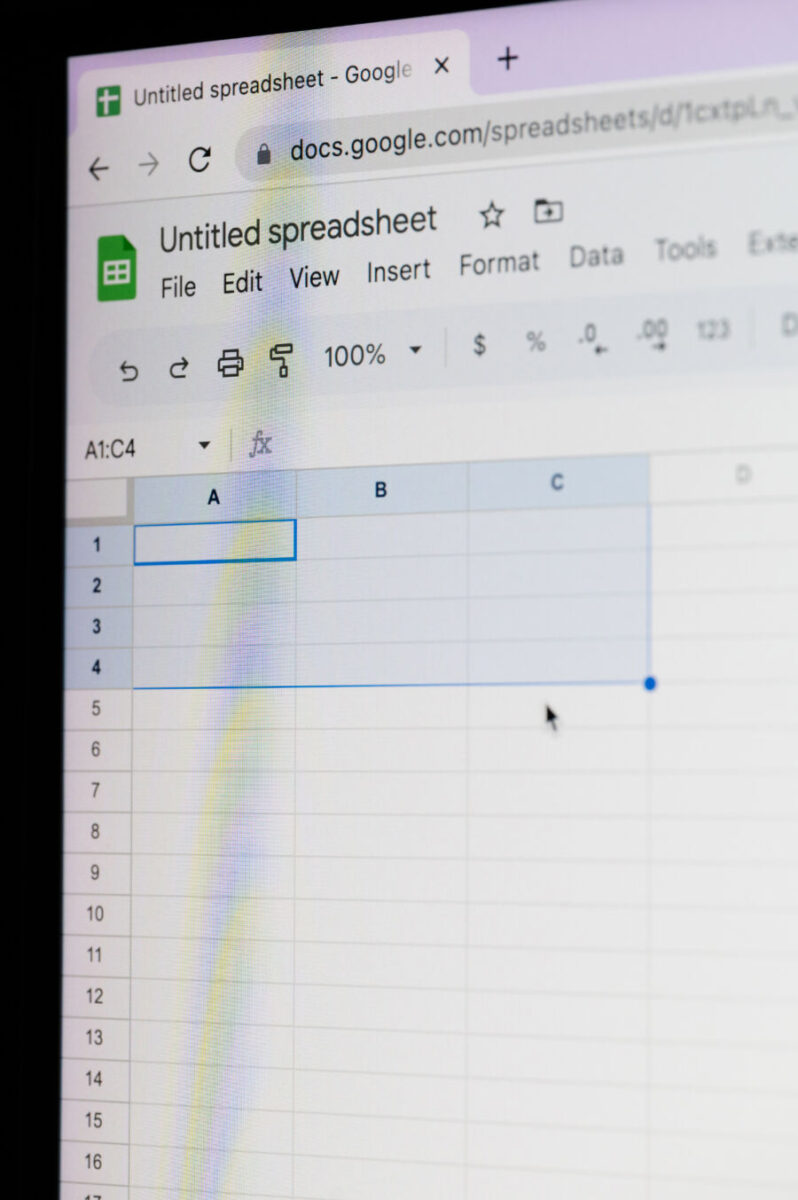
A template saves you from staring at a blank screen. You’ll find plenty in Google Sheets, Excel, or travel apps.
Look for columns like:
- Date and day number
- Morning/afternoon/evening slots
- Activity or location
- Address and contact info
- Booking confirmations
- Estimated costs
- Notes
The best templates let you add or drop columns. Some people want meal planning, others want reminders for meds or rest.
Tweak your template to match your style. If you like planning every hour, add time slots. If you want more freedom, just list general activities for each day.
And for international trips, add a Day 0 for travel and jet lag. You’ll thank yourself.
Defining Your Destinations and Travel Route

List out the cities or regions you want to visit. Then, get real about how you’ll get between them. Travel time matters—a 100-mile drive in the mountains isn’t the same as 100 miles on a highway.
Map out your route and check travel times, not just distances. Factor in things like border crossings, ferries, or whether you’ll have a car.
Group destinations by geography to avoid zigzagging. If you’re hitting three cities, line them up logically instead of bouncing all over.
Sometimes, the “hub and spoke” method works best—stay in one spot and take day trips. It’s great for families or when accommodations are cheaper in one place.
Always build in buffer days between big moves. Travel is tiring, and you’ll want time to settle in before your next adventure.
Check if certain places have special timing—some sites are closed certain days or have festivals you might want to catch. When it’s time to book activities, you’ll already know which days work best.
Incorporating Key Travel Details
A custom itinerary only works if it includes the nuts and bolts: your flights, hotels, and activity bookings. That’s the backbone of turning all this planning into the real trip.
Adding Flight Information and Reservations

Put your flight itinerary right at the top of your travel plan so you’re not hunting for it at the worst possible moment. List confirmation numbers, departure and arrival times (in both local time zones), terminal info, and airline customer service numbers.
Don’t just jot down “Flight to Paris.” Include the flight number, gate, and baggage allowance. Trust me, you’ll thank yourself when you’re bleary-eyed at 5 AM in the airport parking lot, trying to remember which airline you booked.
Keep a backup offline. Screenshot your boarding pass and email it to yourself.
I’ve seen travelers panic when their phone dies and they can’t pull up their digital ticket. A simple PDF saved to your phone works just as well.
Add buffer time between connections. If your flight lands at 2 PM and your next one boards at 2:45 PM, you’re asking for trouble. Airlines usually suggest at least 90 minutes for domestic and three hours for international connections.
Organizing Hotel Stays and Accommodation

Your hotel reservations need their own section—put check-in dates, addresses, phone numbers, and confirmation codes all together. Don’t forget directions from your arrival point.
Write down whether you’ll grab a taxi, hop on a train, or use a rental car from the airport. Note the approximate cost and travel time. When you’re exhausted and just want to crash, this saves a ton of hassle.
Jot down the hotel’s cancellation policy and any special requests you made. If you asked for a room away from the elevator, put it here so you can mention it at check-in.
If the hotel sent Wi-Fi passwords early, add them. Highlight amenities you picked this place for—if you booked it for the rooftop pool, don’t forget to actually use it.
Scheduling Activities and Attractions

Block out time slots for each activity with realistic start times and durations. Visiting a museum isn’t just two hours—it’s getting there, wandering around, and then heading to your next stop.
Use a day trips and activities platform to pre-book popular experiences. Add confirmation numbers to your itinerary, and list walk-up activities too.
Group activities by neighborhood. Crisscrossing a city wastes hours you could spend actually doing things. If three attractions are in the same district, schedule them on the same day.
Leave gaps between activities. Back-to-back plans look efficient, but life happens—getting lost, long restaurant waits, or just wanting to sit down for a bit. Build in 30-60 minute buffers so your itinerary doesn’t feel like a marathon.
See Related: Trip.com vs Booking.com: How to Snag the Best Hotel Deals for 2024
Enhancing and Personalizing Your Itinerary Design

A well-designed itinerary isn’t just a list—it’s a visual roadmap that’s actually usable on the road. The way you lay it out and share it can be the difference between a confusing mess and a travel document you’ll actually check.
Structuring a Day-by-Day Itinerary

Your day-by-day itinerary should follow the real flow of your day. Start with the date and day of the week at the top—it’s easy to lose track when you’re traveling.
Break each day into time blocks that fit your style. Morning people might want detailed 7am-12pm slots; night owls can keep mornings loose and focus on evenings.
Include actual travel time between locations, not just the activities. That museum might be 2 miles away, but in a busy city, it could take 45 minutes.
Each day needs:
- Main activity or attraction with address
- Estimated duration and best arrival time
- Transportation method and travel time
- Meal plans or restaurant reservations
- Backup options for bad weather
I learned the hard way in Rome—scheduled the Colosseum and Vatican on the same day, didn’t realize the hour-long journey between them. Now I always map everything first.
Design Tips for Readable and Attractive Layouts
Nobody wants to squint at tiny text on their phone in a crowded train station. Make your itinerary scannable, even when you’re tired or distracted.
Use bold text for key info like addresses, reservation times, and confirmation numbers. Color-coding can help—a color for meals, another for transportation, another for activities. Just don’t go wild with too many colors.
Here’s a sample table for quick reference:
| Time | Activity | Location | Notes |
|---|---|---|---|
| 9:00 AM | Breakfast | Café Luna | Reservation confirmed |
| 10:30 AM | Museum Tour | 123 Main St | Prepaid tickets |
| 1:00 PM | Lunch | TBD | Near museum |
Keep font size readable (at least 11pt if printing). Add a mini sample itinerary on the first page so you can see the whole trip at a glance before diving into daily details.
Collaborative Group Travel Planning

Group travel planning gets chaotic when everyone’s tossing ideas into a group chat. Use a centralized system so all travelers can see updates in real time.
Shared documents like Google Docs or Sheets let everyone edit at once. Create sections for each person’s must-see spots, then vote on final choices. This keeps one person from taking over everything.
Assign clear roles—one person handles accommodations, another restaurants, someone else transportation. Spread out the workload, but pick one “itinerary keeper” to maintain the master doc. Too many cooks spoil the broth, seriously.
Track who’s paid for what in a shared spreadsheet, especially for group bookings. Money misunderstandings can ruin a trip faster than anything else.
Final Touches and Smart Sharing Options

Before you send your itinerary out, add practical touches that make travel smoother and set up sharing methods that fit your group.
Integrating Packing Lists and Travel Tips

Your itinerary gets way more useful when you build packing lists right in. No need for a separate doc—add a packing section tied to your actual plans.
Snorkeling on day three? List reef-safe sunscreen and water shoes. Fancy dinner? Add dressy clothes.
Organize packing lists by category—clothing, toiletries, electronics, documents, activity-specific gear. It’s much easier to check things off at midnight when you’re packing in a hurry.
Add travel tips connected to specific days or activities. Visiting temples on Tuesday? Note the dress code in that day’s schedule.
Include local phrases for restaurants or metro card tips for museum days. These little notes save you from frantic googling when you’re already tired.
Exporting, Printing, and Sharing Your Itinerary

PDF is the way to go for sharing—everyone can open it, and your formatting stays put. Export your itinerary as a PDF so people can view it on phones, tablets, or computers.
Print at least one backup copy. Old school, sure, but phone batteries die at the worst times. Keep a folded printout in your day bag or hotel room. You’ll look like a genius when your travel buddy’s phone dies and you’re the only one who knows the restaurant address.
For group trips, use cloud sharing—Google Drive or Dropbox—so everyone’s on the same page. When you update a dinner reservation, the whole group sees it instantly.
Send calendar invites for big stuff like flights or hotel check-ins so they pop up in everyone’s phone calendars. Way better than texting reminders to five people.
See Related: Enhancing Family Vacations with Music: Travel Tips
Frequently Asked Questions
Planning a custom itinerary sparks a lot of questions about templates, tools, and methods that can make or break your trip.
What are the essential components of a successful travel itinerary template?
A good travel itinerary template puts your travel dates and times right at the top. You’d be surprised how many people forget to include arrival and departure times in an easy-to-find spot.
Your accommodation details should have full addresses, check-in times, and confirmation numbers. I once showed up at a hotel in Prague at 2 AM with only a vague street name on my phone—not fun.
List transportation between destinations—flight numbers, train times, car rental details—and add buffer time for delays.
Organize daily activities by time slots, but leave breathing room between them. A good template shows what you’re doing and when, without making you feel like you’re racing the clock.
Budget tracking belongs here too. Add estimated costs for meals, activities, and transportation so you’re not blindsided by expenses.
Keep emergency contacts, hotels, and tour operator info in a spot you can find easily—especially when you’re stressed or stuck with spotty internet.
What are some innovative strategies for crafting a creative and engaging itinerary?
Theme your days around experiences, not just attractions. Try a day of “street food and local markets” instead of “visit downtown.”
Color-code activity types to make your itinerary pop—one color for food, another for outdoor stuff, another for cultural sites.
Build in “wild card” time blocks for spontaneous discoveries. Sometimes the best moments are the ones you didn’t plan.
Add personal notes about why you picked each activity or what you’re hoping to get out of it. It’s a nice reminder when you’re tired and tempted to skip something.
Include backup options for weather-dependent plans. If your beach day gets rained out, you’ll already have indoor alternatives ready.
Link activities by neighborhood to cut down on transit time and let your day flow naturally. You’ll stumble on hidden gems just walking between stops.
Can you recommend any AI tools that assist in the creation of detailed travel itineraries?
TripPilot uses AI to match destinations and activities to your travel style and preferences. It looks at your preferred pace and energy levels, not just the basics.
Musely’s AI Travel Itinerary Generator takes your destination, trip length, and interests, then builds day-by-day plans. It pulls from tons of travel data, so you might find suggestions you’d never see in a regular guidebook.
ChatGPT can help brainstorm itinerary ideas if you give it specific prompts about your style and constraints. Just be ready to double-check recommendations—sometimes it suggests places that don’t actually exist.
Google’s AI-powered search features now offer itinerary suggestions based on real traveler reviews and current info about opening hours or seasonal changes.
Some tools work better for certain trips. AI shines with complex, multi-city trips, but might over-structure a simple getaway that needs more flexibility.
Could you guide me through using Excel to design a functional and user-friendly travel itinerary?
Start with columns for Date, Time, Activity, Location, Address, Cost, and Notes. This keeps everything organized and easy to scan.
Use merge cells in Excel to create day breaks for easy navigation. Add background colors to separate different days.
The SUM function lets you track your trip budget by adding up the Cost column. Put a budget summary at the top or bottom.
Hyperlink addresses to Google Maps using Excel’s insert hyperlink feature. When you’re traveling, just click from your itinerary straight to navigation.
Freeze the top row so your column headers stay visible as you scroll. It’s a small thing, but it helps a lot on longer trips.
Add columns for confirmation numbers and booking status to see what’s reserved and what still needs attention. Use conditional formatting to highlight unpaid or unbooked items in red.
What are the steps to effectively utilizing a Word document as a travel itinerary planner?
Start by making a master heading for each day of your trip—use Heading 1 style so it’s easy to spot. For each day, break things up with Heading 2 for blocks like Morning, Afternoon, and Evening. That way, you’re not scrolling endlessly trying to find what’s next.
Right at the top, throw in a table with your quick reference info: flight numbers, where you’re staying, and those all-important emergency contacts. Tables in Word really help this stuff pop out from the rest of your plans.
When you jot down activities, stick to bullet points under each time block. Honestly, it’s just way easier to glance at your phone and see what’s up next, instead of wading through a wall of text.
If your trip runs more than a few days, add page breaks between each day. That way, you can print just the pages you need and leave the rest at home. No one wants to lug around a stack of paper.
Drop in images of your hotel, maps, or even those restaurant reservation screenshots. Sometimes a picture just saves you the hassle of reading an address for the fifth time.
Before you go, save your Word doc as a PDF. Formatting in Word can get wonky on different devices, but a PDF pretty much always looks right, whether you’re on your phone, tablet, or someone else’s laptop.
How can I leverage Google Maps on my iPhone to streamline the process of itinerary planning?
Start by creating a custom map in Google Maps on your computer. The desktop tools just make it easier to add and organize spots—trust me, it’s less fiddly than the phone. Once you’ve set it up, pull up the same map on your iPhone through the app.
Save all your destinations as “Starred” or “Want to go” places in Google Maps. These sync across your devices, so you won’t have to redo anything when you switch from laptop to phone.
Try color-coding pins for different activities—maybe restaurants in red, hotels in blue, attractions in yellow. It’s a simple trick, but seeing those colors at a glance can help you spot patterns and plan smarter routes.
If your trip covers a few days, make separate layers for each day in your custom map. Toggle layers on or off to focus on just one day’s plans without the mess of seeing everything at once.
When building your route, use the “Add stop” feature. You can string together multiple stops, and Google Maps will suggest an efficient order while showing you the total travel time. It’s not perfect, but it usually saves some guesswork.
Don’t forget to download offline maps before you head out. This is a lifesaver if you hit a dead zone or don’t want to pay for international data.