

Carry On With Laptop Compartment vs Regular Carry On: 6 Key Differences Every Traveler Must Know
Updated March 26, 2026
When you’re shopping for a new carry-on, you’ll see some bags with dedicated laptop compartments and others without. That little detail? It actually changes how you pack, breeze through airports, and protect your gear.
A carry-on with a laptop compartment gives you quick access to your computer at TSA checkpoints and keeps it safer with padded sleeves. Regular carry-ons, on the other hand, offer more open space but make you dig for your laptop or carry it separately.
Most folks who travel with laptops swear by the built-in compartment. You can slip your computer out in seconds at security instead of wrestling with your clothes. The extra padding? It’s a lifesaver for your device when things get bumpy.
But hey, regular carry-ons still have their fans. If you rarely bring electronics or just toss your laptop in a personal item, you might not care about a special compartment. Some people even prefer the simple, open space for packing boots or a big coat.
Key Takeaways
- Laptop compartments mean faster security checks and better device protection thanks to padding
- Regular carry-ons give you more flexible space if you don’t need tech organization
- It really comes down to how often you travel with a laptop and whether you want quick access or max packing room
Table of Contents
- Fundamental Differences: Carry On With Laptop Compartment vs Regular Carry On
- What Defines a Carry On With Laptop Compartment
- Core Features of Standard Carry Ons
- 1. Laptop Compartments: Types, Design, and Security
- Front Pockets vs Internal Sleeves
- Padding and Protection Mechanisms
- TSA-Friendly and Quick-Access Features
- 2. Organization and Packing Efficiency
- Built-In Dividers and Multiple Compartments
- Use of Packing Cubes and Compression Systems
- Electronic and Tech Accessory Storage
- 3. Durability, Construction, and Materials
- Hardside vs Softside Bags
- Material Innovations in Carry Ons
- 4. Mobility and Handling Features
- Spinner Wheels and Manoeuvrability
- Telescoping and Wide Handles
- 5. Travel Practicalities: Airline Rules and Size Limits
- Carry On Size Requirements
- Underseat Carry Ons and International Compliance
- 6. Brand-Specific Innovations and Top Recommendations
- Premium Brands: samsonite, tumi, rimowa, monos, travelpro
- Best Carry Ons With Laptop Compartments in 2026
- Choosing the Right Carry On for Your Travel Style
- Professional, Leisure, and Hybrid Travelers
- Key Considerations: Weight, Space, and Versatility
- Frequently Asked Questions
- What are the advantages of having a dedicated laptop compartment in a carry-on bag?
- How does the presence of a laptop compartment in a carry-on affect the overall weight and dimensions?
- Are there any travel security advantages to using a carry-on with a specialized laptop compartment?
- What should I consider when selecting a carry-on bag with both a laptop compartment and built-in charger?
- Which carry-on luggage brands offer the best integration of laptop compartments without compromising on style and functionality?
- How do airline carry-on size restrictions impact the choice between a standard carry-on and one with a laptop compartment?
- Book Your Dream Experience
- More Travel Guides
Fundamental Differences: Carry On With Laptop Compartment vs Regular Carry On

The real split between these bags? It’s all about specialized storage and how you get to your tech. Carry-ons with a laptop compartment have padded, quick-entry pockets for electronics, while regular ones just focus on giving you as much packing space as possible.
What Defines a Carry On With Laptop Compartment
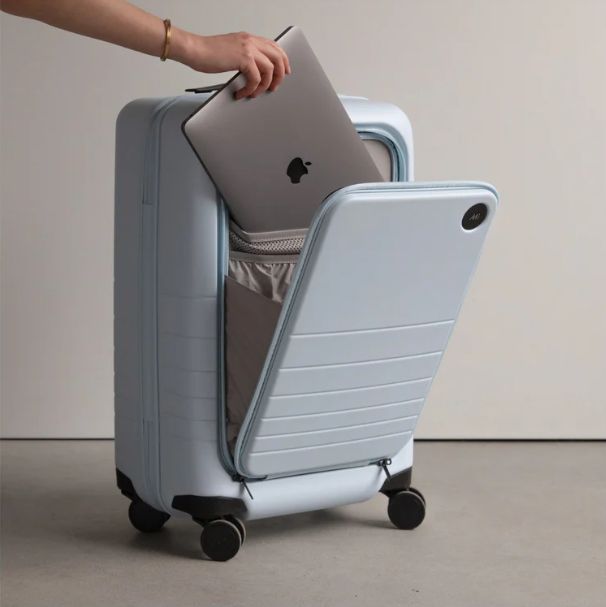
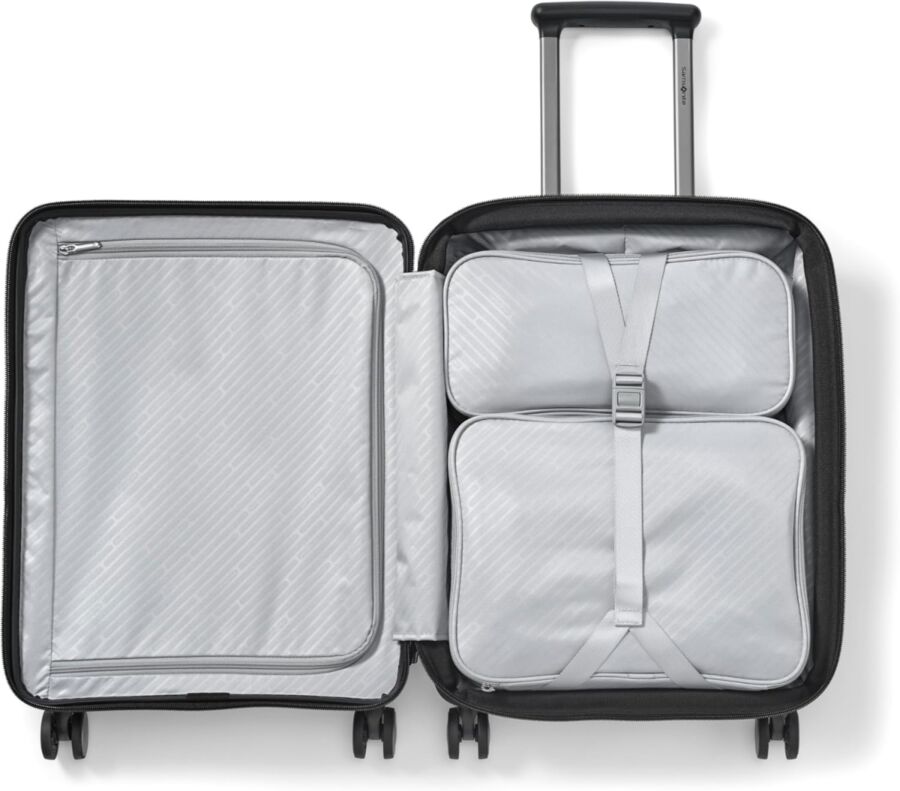
A carry-on with a laptop compartment comes with a padded sleeve or dedicated pocket for your computer, usually near the front or top. Most sleeves fit 13 to 15-inch devices, though a few go up to 17 inches. Extra padding around this area helps protect your laptop from bumps.
Designers usually make it easy to reach your laptop without tearing open the whole bag. At airport security, you can unzip the compartment, slide your laptop out, and move on. Some even open flat for even faster access.
These bags often throw in smaller pockets for chargers, cables, or your phone. Some new models even have built-in USB ports, so you can charge up on the go. The compartment also works for tablets, e-readers, or important docs you don’t want mixed with your clothes.
Core Features of Standard Carry Ons
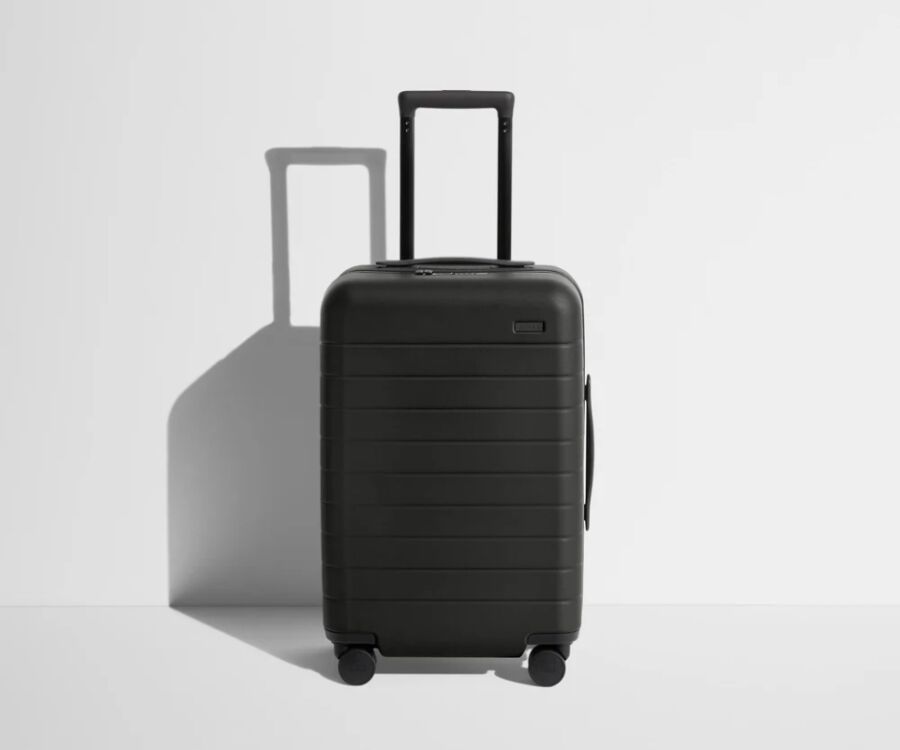
Regular carry-ons stick to maximizing storage without fancy tech organization. You’ll usually get one big compartment with maybe a few straps or dividers to keep things in place.
You’ll pack everything together—clothes, shoes, toiletries, maybe your laptop (tucked between shirts or wrapped in a hoodie). There are usually a couple of zippered pockets inside for small items, but nothing padded or tech-focused. Those pockets are for socks or travel-size toothpaste, not electronics.
On the outside, these bags focus on durability and smooth wheels, not quick-access pockets. If you do get an external pocket, it’s shallow and mostly for papers or magazines, not your laptop.
1. Laptop Compartments: Types, Design, and Security
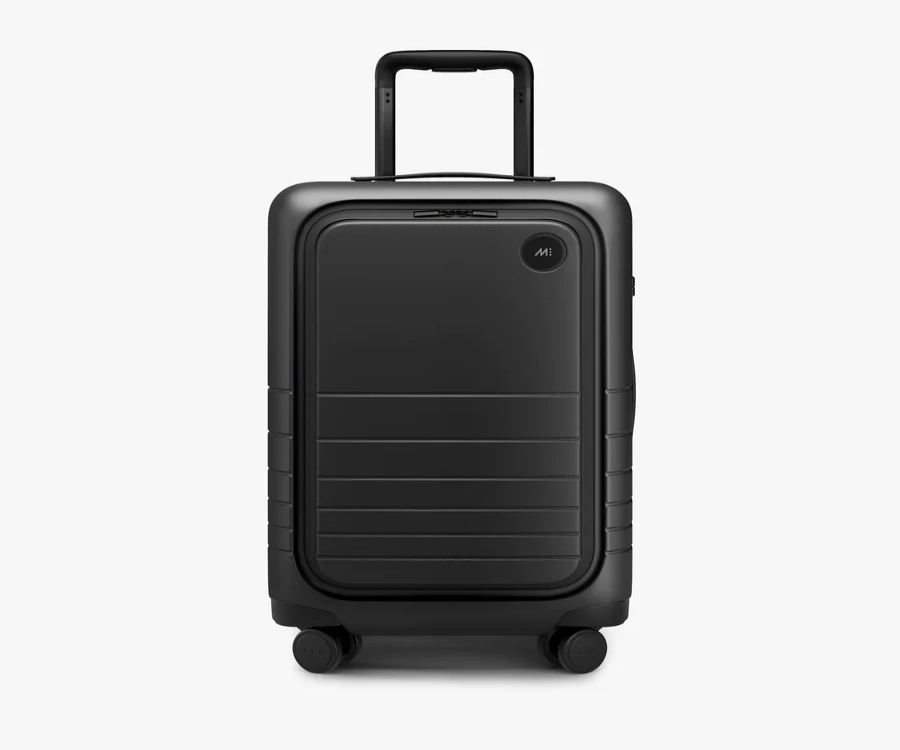
How your carry-on handles your laptop can really affect your airport experience. Where the compartment sits—outside or inside—matters, as does the padding and how fast you can grab your device.
Front Pockets vs Internal Sleeves
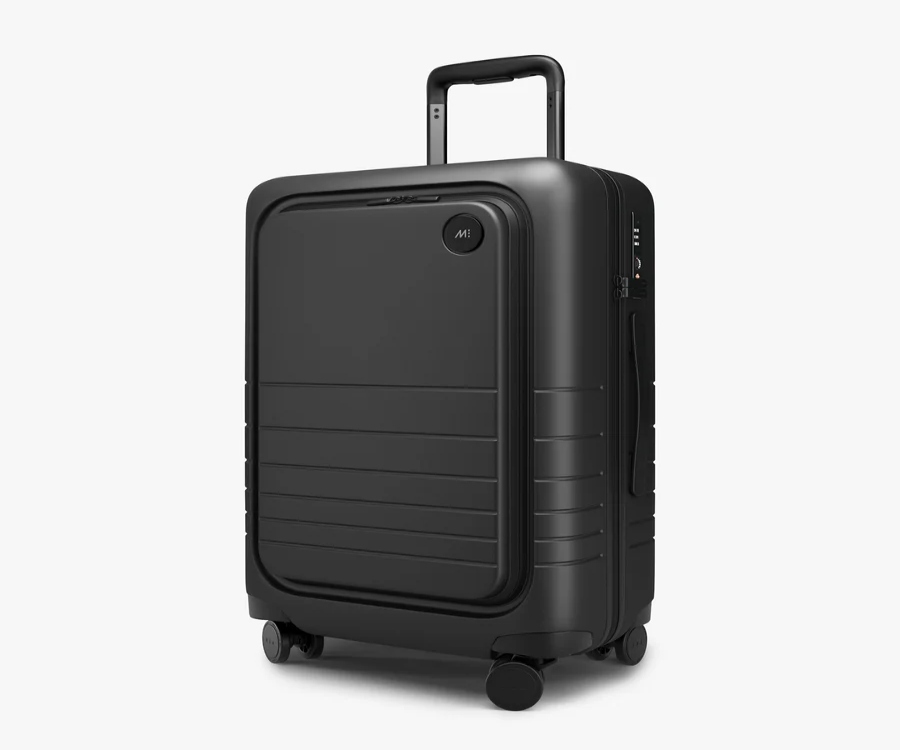
A front pocket puts your laptop right on the outside, usually in a zippered spot that faces you. You can pull out your computer without opening up the whole bag.
Internal sleeves, on the other hand, sit inside the suitcase lining, often with Velcro or elastic to keep your device in place.
Front pockets win for speed at security. You just unzip, grab, and go. The trade-off? They add bulk to the front, which can make overhead bins a tight fit.
Internal sleeves give your laptop more protection since it’s surrounded by your stuff. But you’ll need to open your suitcase fully to get to it, which gets old if you’re always pulling out your laptop.
Padding and Protection Mechanisms

A padded laptop compartment might use foam layers, usually between a quarter and half an inch thick. Some bags use quilted fabric, others rely on dense foam.
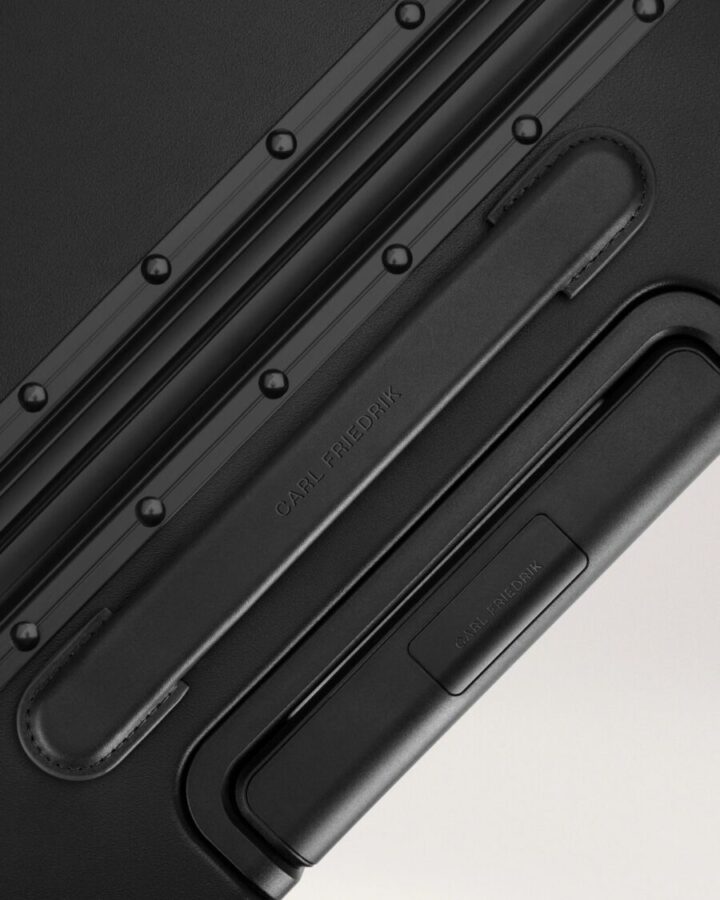
The Carl Friedrik Carry-on X, for example, has Velcro straps inside a hard-shell compartment made from polycarbonate—so your laptop stays put. Soft-sided bags like the Calpak Luca use puffy polyester for all-over cushioning, though the sleeve itself might be thinner.
Check if the padding wraps all the way around or just sits behind your device. Full-wrap protection is a must if you gate-check your carry-on. Also, see how the compartment closes—elastic sleeves stretch out over time, but zippered ones keep their shape.
TSA-Friendly and Quick-Access Features
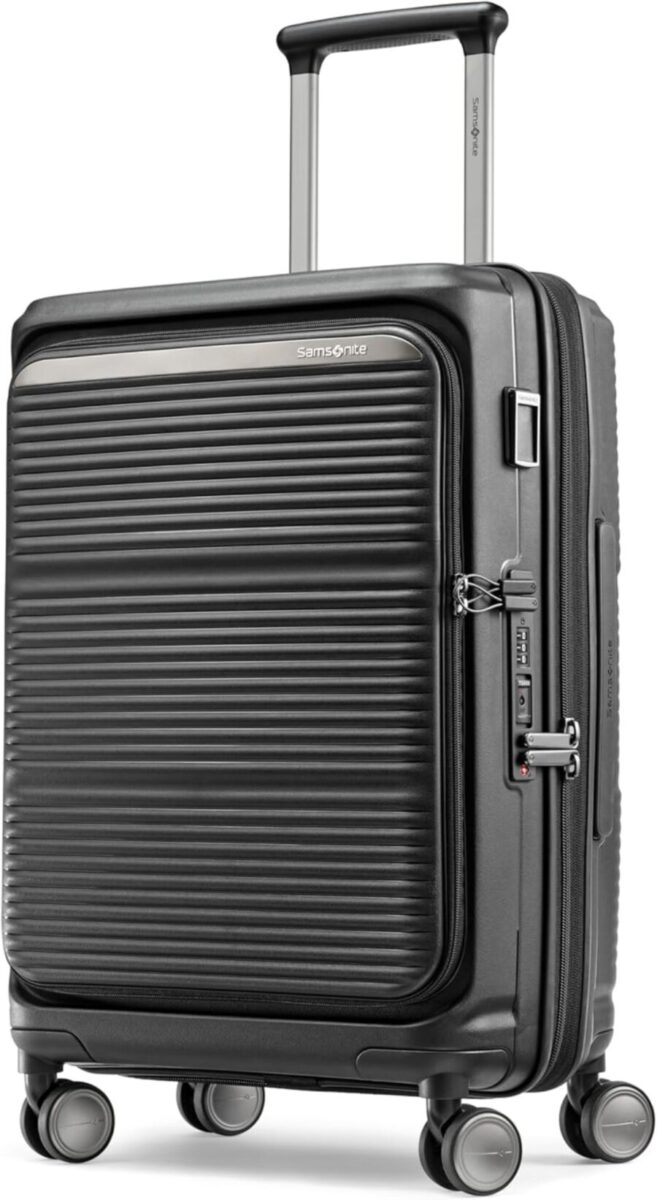
TSA-friendly bags let you open the laptop compartment flat, so security can scan your device without you taking it out. The Samsonite Paralux, for example, has a front access door that lays flat on the belt.
Quick-access designs focus on speed rather than laying flat. These sit right behind an external zipper, so you can reach your laptop in seconds. The Away Flexpack lets you unzip the front and slide your computer out.
A TSA-approved lock keeps your main compartment safe, but it won’t do much for your laptop section since you’ll open it at checkpoints anyway. The real security? A compartment that stays closed on its own. Magnetic closures can pop open if your bag gets knocked around, but YKK zippers with double pulls stay put.
Some bags add RFID-blocking pockets near the laptop sleeve. They don’t protect your laptop, but they do keep your credit cards and passport safe from digital theft while you’re busy with your computer.
See Related: Smart Rideable Luggage Review: Worth the Hype for Travelers?
2. Organization and Packing Efficiency

Carry-ons with laptop compartments separate your tech from your clothes. Regular carry-ons make you organize with packing cubes or your own accessories. It’s really about whether you like built-in structure or want to do it your way.
Built-In Dividers and Multiple Compartments
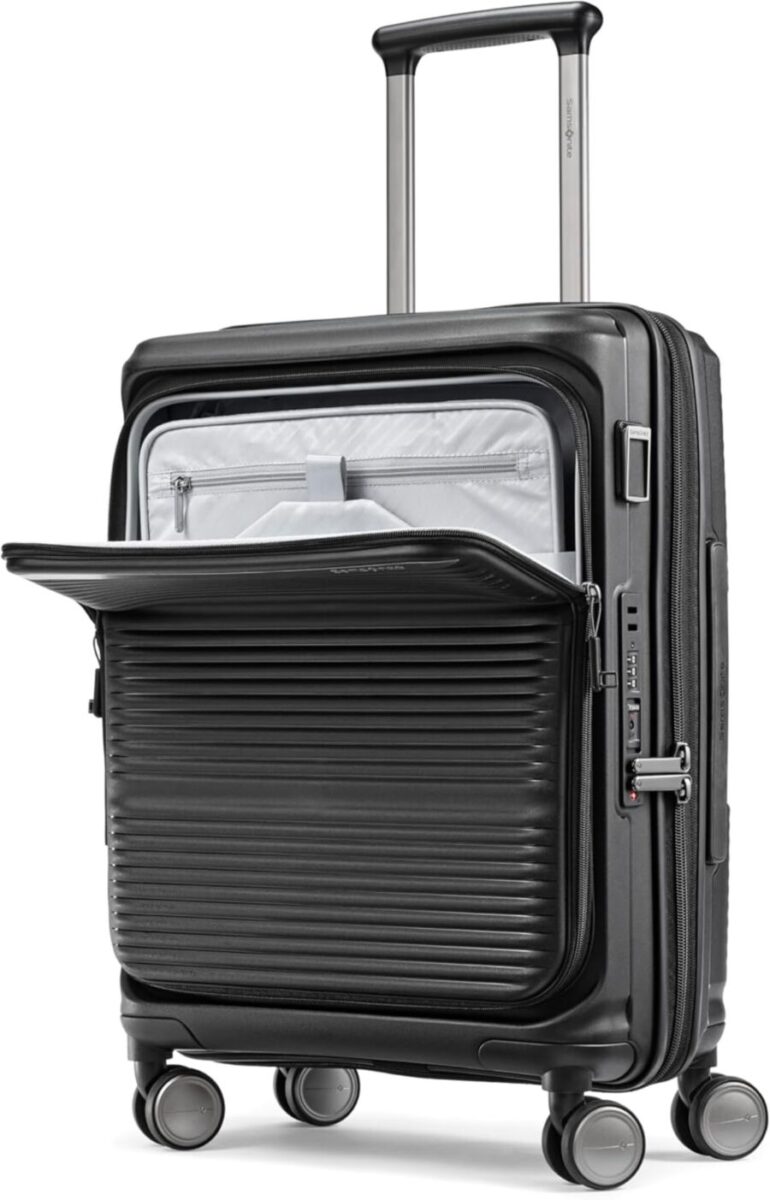
Laptop carry-ons usually have 3-5 separate zones: a padded sleeve for your computer, a front panel for quick grabs, and a main spot for clothes. No more digging through shirts to find your laptop at security.
Regular carry-ons? You get one big open space, maybe with a mesh pocket. That’s great if you like to pack your own way, but it means everything mixes together unless you add dividers.
The downside? Laptop compartments eat up 2-3 inches of your bag’s depth. That can matter on longer trips when you’re squeezing in every last thing.
Use of Packing Cubes and Compression Systems

Packing cubes are almost a must with regular carry-ons since you don’t get built-in dividers. You can stack them however you want.
With laptop-compartment bags, packing cubes still fit in the main area, but the sleeve already takes up prime space. Compression systems (those bags with air-release zips) really shine in regular carry-ons where you control the whole layout.
The laptop compartment acts like a rigid packing cube—helpful, but not flexible. Your computer’s taking up that spot, whether it’s a slim ultrabook or a chunky gaming laptop.
Electronic and Tech Accessory Storage

Laptop-specific bags usually have smaller pockets for chargers, cables, headphones, and power banks. You’ll often see elastic loops or mesh pouches to keep cords from tangling.
A regular carry-on means you need a separate tech pouch or laptop case. Honestly, if you already have a good organizer, just toss it in your bag and you’re good.
One thing people overlook: most laptop compartments put your device at the front or vertically, so you can pull it out at security without messing up your clothes. In a regular carry-on, your laptop might be buried under everything.
3. Durability, Construction, and Materials
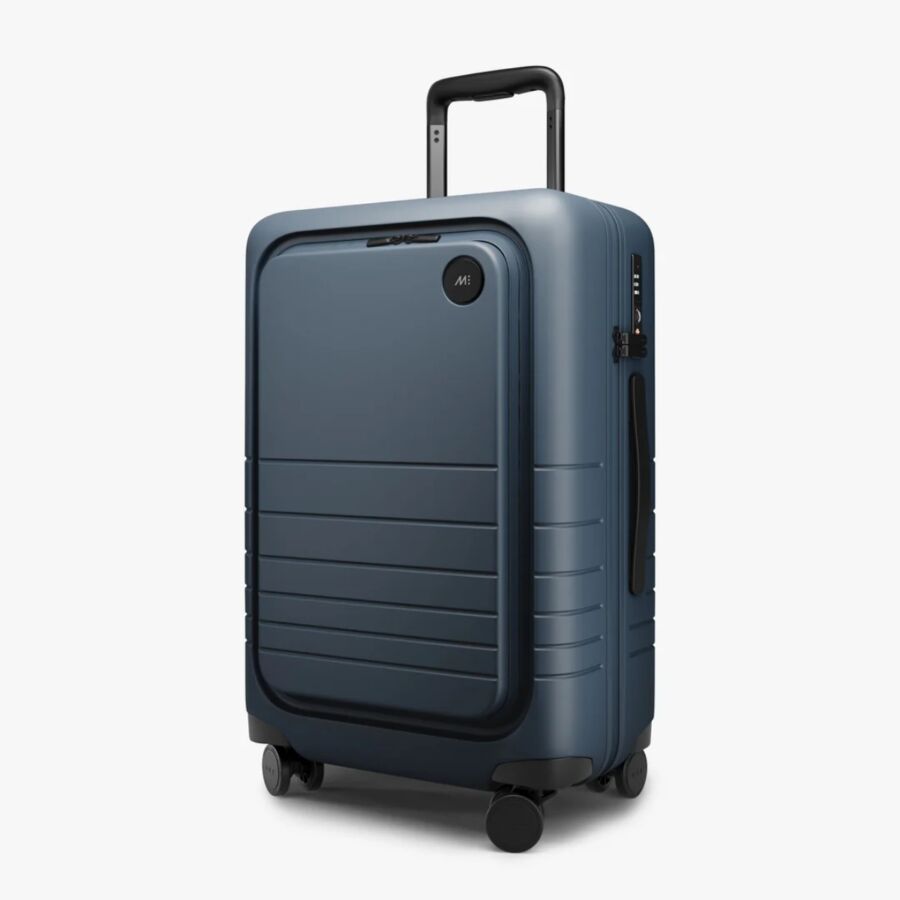
The shell and fabric you pick affect how well your bag protects your stuff and electronics. Polycarbonate and ballistic nylon each have their strengths, depending on how you travel.
Hardside vs Softside Bags
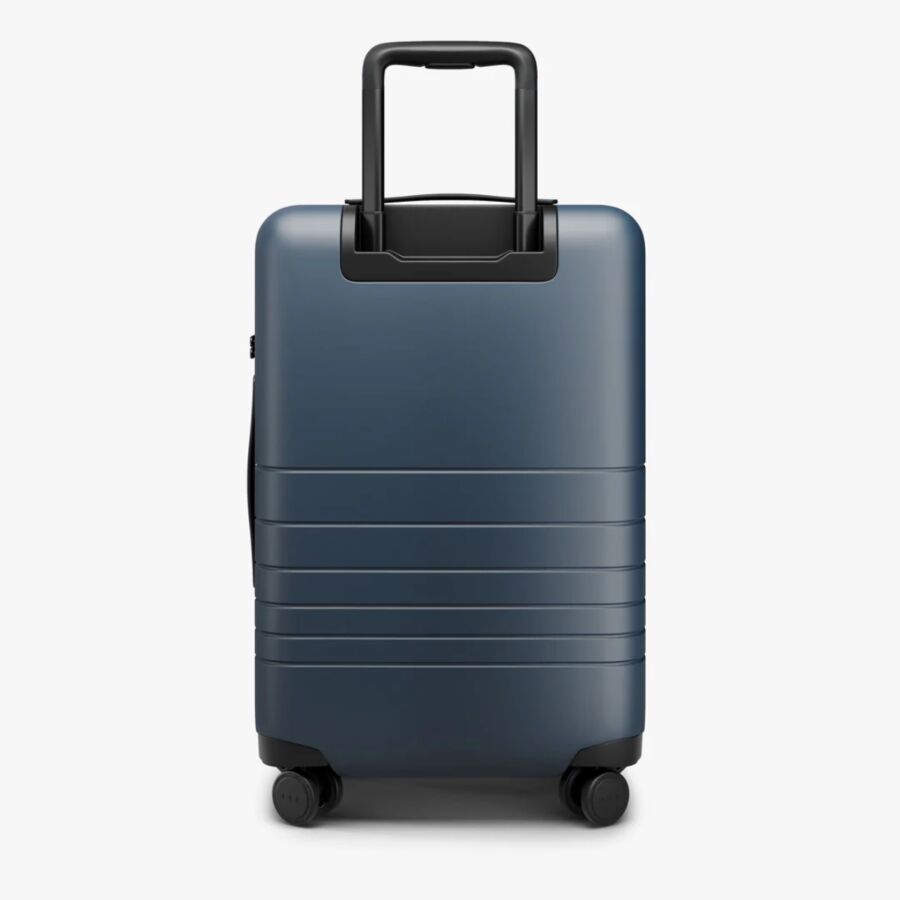
Hardside luggage uses tough materials like polycarbonate or ABS to create a protective shell. Hard shells are great for shielding your laptop from getting crushed in overhead bins. The catch? They don’t flex or expand if you’re trying to squeeze in one more thing.
Softside luggage uses fabrics like ballistic nylon or polyester. These give you more wiggle room if you tend to overpack. The external pockets on softside bags make it easier to get to your laptop during security.
A lot of people miss this: softside bags with laptop compartments often have enough padding to rival hardsides. The fabric won’t crush your device, and the internal padding soaks up impacts.
Material Innovations in Carry Ons
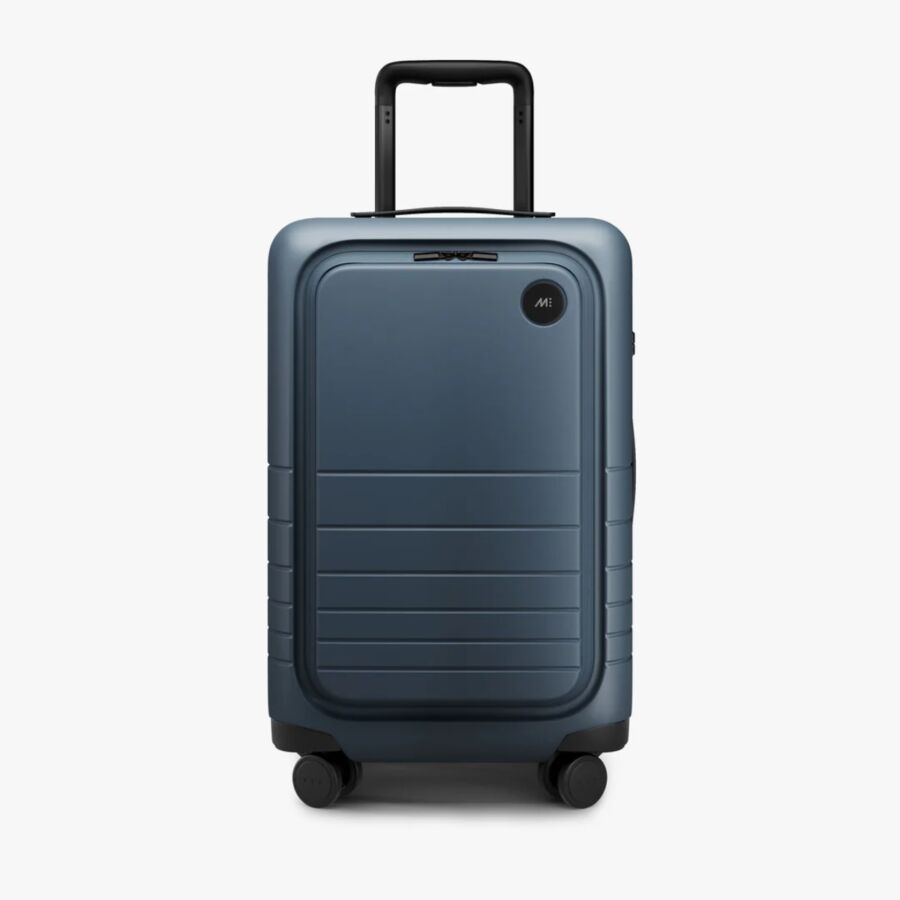
Modern bags use materials you wouldn’t have seen a few years ago. Ballistic nylon now comes in lighter versions that are still tough enough for daily abuse. It handles being shoved under seats and dragged across airports.
Polycarbonate has gotten better too—manufacturers now add flex so the shell bends instead of cracking. That’s handy if your bag tumbles down an escalator or gets jammed between other luggage.
Some bags mix both: a hardshell laptop pocket inside a soft bag. This hybrid setup gives your electronics solid protection but keeps the rest of your bag flexible for packing.
See Related:
4. Mobility and Handling Features
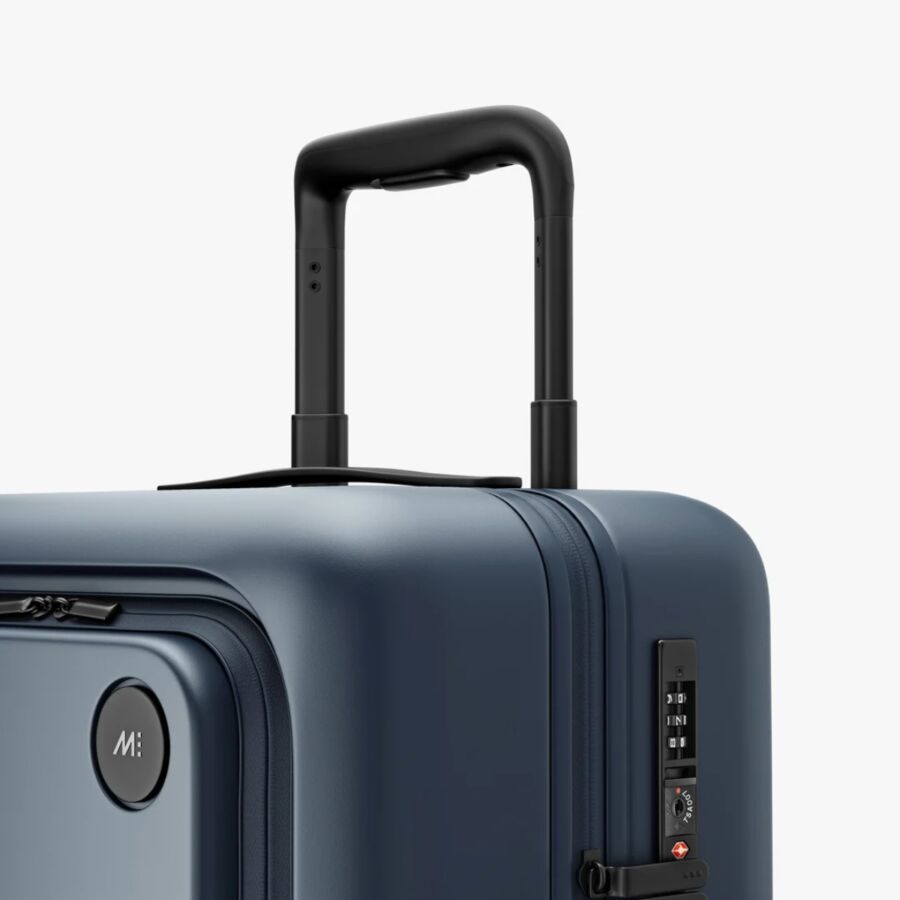
When you’re racing through a busy airport or squeezing down an airplane aisle, the wheels and handle on your bag really matter. Carry-ons with laptop compartments often need sturdier wheels and handles because that front pocket shifts the weight forward.
Spinner Wheels and Manoeuvrability
Most good carry-ons now come with 360-degree spinner wheels, so you can roll your bag beside you instead of dragging it. But here’s something you might not expect: adding a laptop compartment to the front throws off the balance, and cheap wheels can’t cope.
Extra weight in the front pocket makes the bag tip forward, especially at security. Double-spinner wheels (two per corner) help by spreading the weight over eight points. I’ve noticed bags roll better when the wheels are recessed into the shell, not just stuck on the outside. That way, they’re less likely to get damaged and the bag stays stable when you’re digging in the front pocket.
Telescoping and Wide Handles
A telescoping handle on a laptop carry-on needs to be taller than you’d think. When the front pocket is full, the bag’s center of gravity shifts forward, so you need more handle height to keep it upright and avoid wrist strain.
Look for handles with three locking positions, not just two. The middle setting is super useful in crowded spots where you want the bag closer to you. Wider handles (3-4 inches across) help you control the bag when the laptop weight pulls it to one side.
Metal handles last way longer than plastic, especially at the joints. But yeah, they add a bit of weight—something to keep in mind.
5. Travel Practicalities: Airline Rules and Size Limits
Most major airlines go by the 22 x 14 x 9 inches standard for carry-ons, and in 2026, they’re not messing around. Whether you pick a laptop-specific bag or a regular carry-on, both have to fit those dimensions—wheels and handles included.
Carry On Size Requirements

Your laptop carry-on gets the same strict treatment as any other bag. American, Delta, United, JetBlue, and Alaska all stick to 22 x 14 x 9 inches. Southwest gives you a bit more wiggle room at 24 x 16 x 10 inches.
Here’s the catch: airlines measure total exterior dimensions—from the bottom of your wheels to the top of your telescoping handle, plus any bulging laptop compartment or overstuffed pockets. I’ve seen gate agents turn away bags that technically fit but looked like they might burst.
Airlines now use automated scanners that size up your bag in seconds. These machines don’t care how many times you’ve flown with that bag. If it’s even a hair over, you’re shelling out $40-65 to gate-check it.
Some laptop carry-ons with extra padding end up bulkier, especially in depth. Check the specs before you buy—sometimes that “protective” compartment tips your bag over the limit once you’ve packed it full.
Underseat Carry Ons and International Compliance
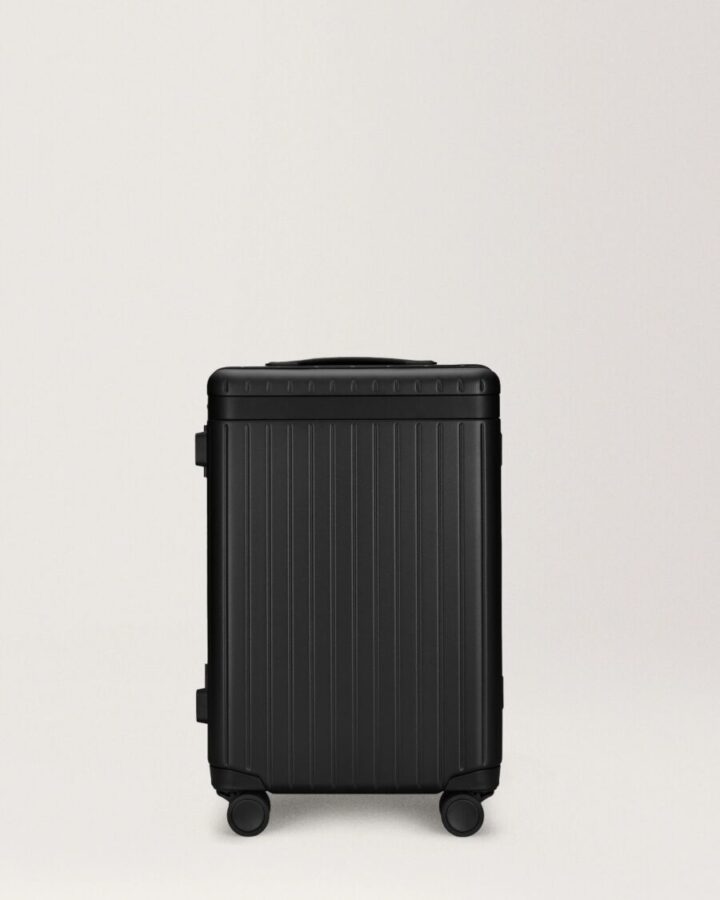
Smaller laptop bags that fit under the seat give you more leeway, especially on international flights where overhead bin space vanishes fast. Underseat carry-ons usually max out around 17 x 10 x 9 inches and count as your personal item.
This is bigger than it sounds. European and Asian airlines are way more strict about weight—think 15-22 pounds for carry-ons—while U.S. domestic flights barely blink at that. If your laptop bag qualifies as a personal item, you can skip those restrictions since it goes under the seat.
If you’re connecting from a U.S. flight to an international one, pack for the stricter rules. That bag might breeze through Delta but get flagged by Lufthansa three hours later.
6. Brand-Specific Innovations and Top Recommendations
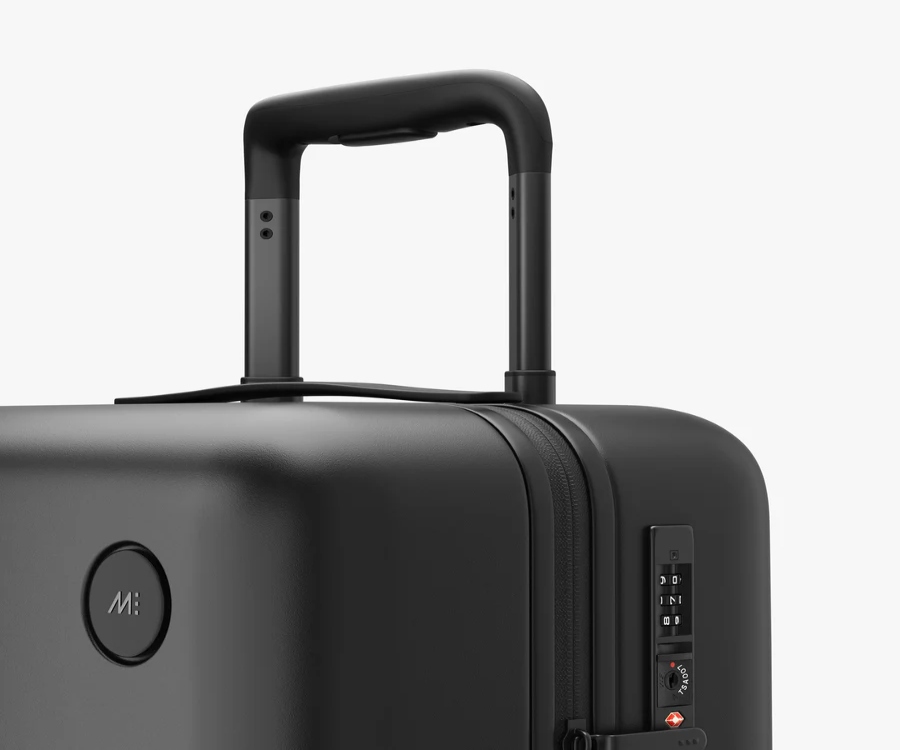
Some luggage brands really nail the laptop compartment. Others? They just toss in a sleeve and call it a day. The difference is all about smart design, solid materials, and features that actually help when you’re on the road.
Premium Brands: samsonite, tumi, rimowa, monos, travelpro
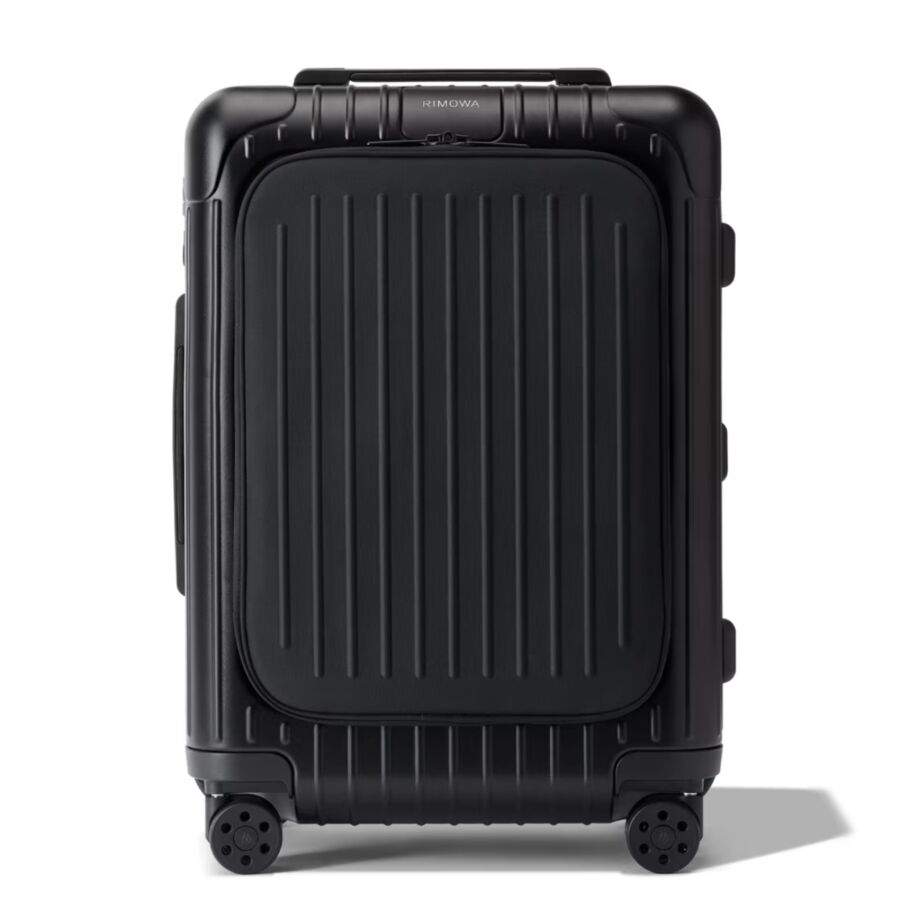
Samsonite has built up trust over decades. Their laptop pockets sit up front, so you can breeze through security. The padding is generous but doesn’t make the bag heavy.
TUMI Alpha 3 is a go-to for business travelers who like things organized. The laptop sleeve opens flat at checkpoints, and there are pockets everywhere for cables and adapters. Their ballistic nylon bags can take a beating and still look good.
RIMOWA does things differently with integrated sleeves inside the hardshell. Your laptop sits deep in the bag, cushioned by clothes. It’s not as quick to grab, but honestly, nothing beats that level of protection.
Monos Carry-On Pro brings a smart front laptop pocket at a lower price than RIMOWA. The shell stays light, and the compression system keeps things from shifting around.
Travelpro is the choice of flight crews—people who actually know what works. The Platinum Elite line has a well-padded laptop section and zippers that never snag. No gimmicks, just bags that last for years.
Best Carry Ons With Laptop Compartments in 2026
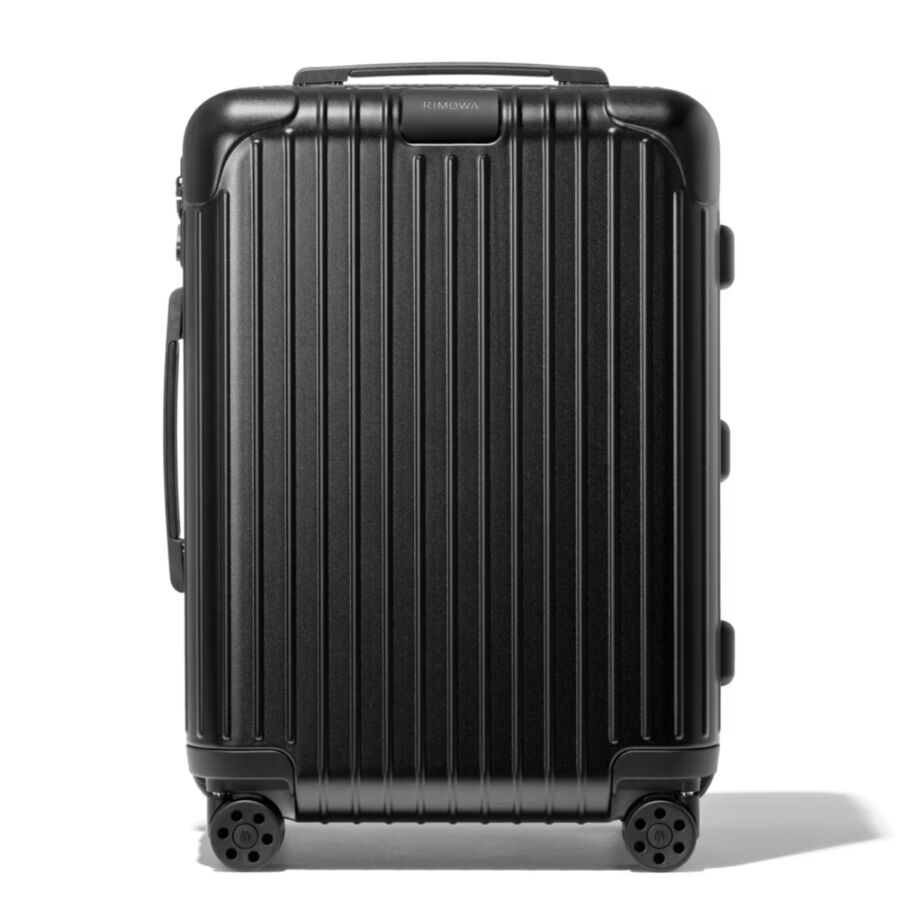
If you want max protection and a bit of show-off factor, the RIMOWA Essential Cabin pairs aluminum with a clever internal laptop sleeve. Pricey? Absolutely. But you’ll probably never need to replace it.
The TUMI Alpha 3 International Expandable gives you easy laptop access and a bit more space when you need it. Business travelers love the extra pockets and the smooth spinner wheels.
For solid performance without breaking the bank, the Travelpro Platinum Elite 21″ is hard to beat. The front pocket fits a 17-inch laptop, and the built-in USB port is handy for charging on the go.
If you’re watching your budget, check out the Samsonite Omni PC Hardside. It’s got a tough shell and a simple internal laptop sleeve. There’s no shortage of travel gear out there that balances protection with price.
The Monos Carry-On Pro sits right in the middle—premium features, reasonable price. The front laptop pocket makes TSA less painful, and the scratch-resistant finish keeps it looking sharp.
See Related: Hardside Luggage vs Softside Luggage: Ultimate Buyer’s Guide
Choosing the Right Carry On for Your Travel Style
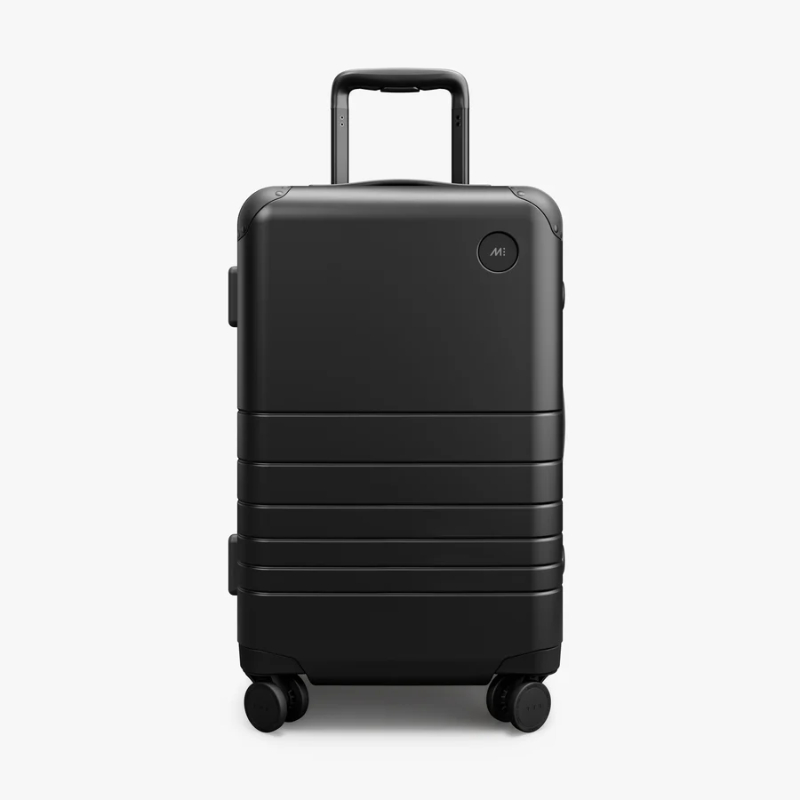
Your travel habits should guide your luggage pick. A frequent business traveler needs different features than someone jetting off for a week at the beach.
Professional, Leisure, and Hybrid Travelers

Business travelers? Quick laptop access is king. You want a bag that lets you grab your computer at security without digging through everything else. Go for front-pocket designs with real padding. Make sure the compartment fits your device snugly—usually 13 to 17 inches.
Leisure travelers can relax a bit. You might want an expandable carry-on for extra space to bring back souvenirs. Most expand by 1 to 2 inches, which actually helps. But be careful—expanded bags can go over airline limits.
Hybrid travelers—mixing work and play—face the hardest choice. You need laptop protection and enough room for regular clothes and gear. Consider bags with removable laptop sleeves. That way, you can just pull out the tech compartment for day trips and leave the main bag in your hotel.
Key Considerations: Weight, Space, and Versatility
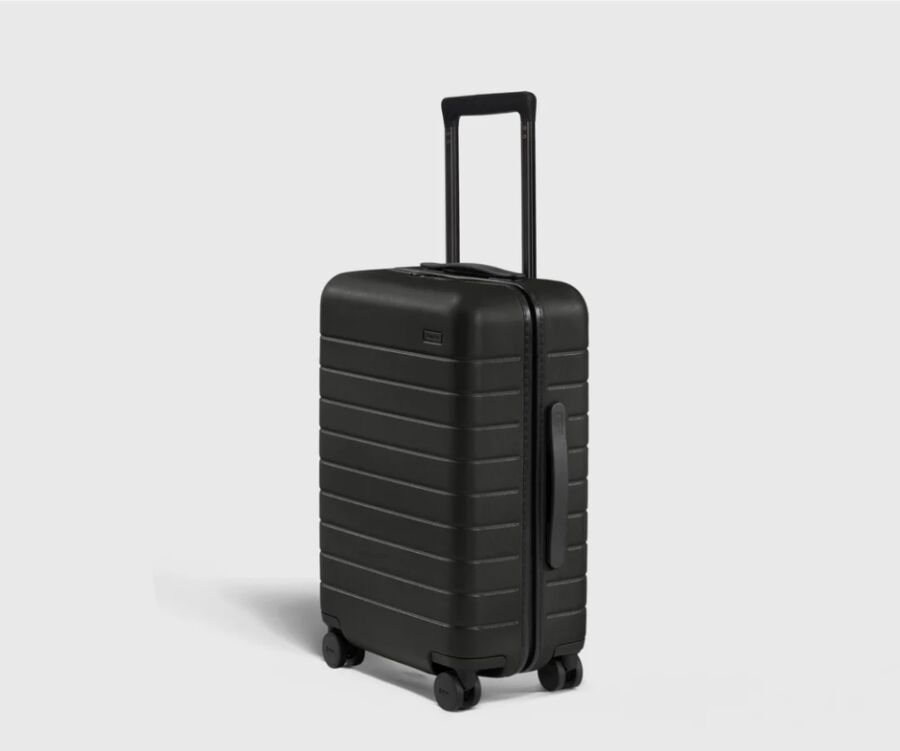
Empty bag weight ranges from 6 to 10 pounds for most carry-ons. Every pound matters when you’re lifting overhead or dealing with airline weight rules. Lightweight polyester bags flex and pad well, but they scratch easier than hard shells.
Capacity usually runs from 30 to 48 liters. Don’t just go big—oversized bags often won’t fit in the bins on smaller planes. If you fly regional jets a lot, check those restrictions before you buy.
Front laptop pockets do cut into your main compartment space—usually by 10 to 15 percent. You’re trading some packing room for device protection and convenience. That’s just how it goes.
Frequently Asked Questions
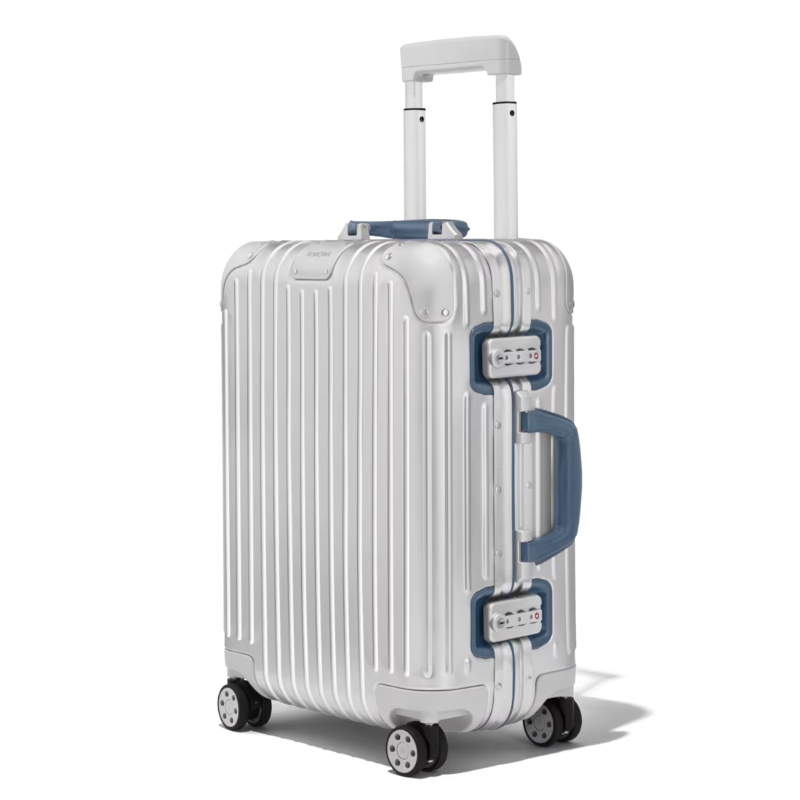
Picking between a carry-on with a laptop compartment and a regular one brings up a bunch of practical questions—protection, weight, security screening, and whether those extra features are really worth it.
What are the advantages of having a dedicated laptop compartment in a carry-on bag?
A dedicated laptop compartment keeps your computer separate from everything else. That means your laptop won’t get squished by shoes or scratched up by your water bottle.
The padding helps absorb bumps better than just stuffing your laptop between shirts. It’s also way easier to grab your laptop at security without unpacking your whole bag.
Many compartments have velcro straps or elastic bands to hold your laptop steady. That means it won’t slide around while you’re sprinting through the airport.
How does the presence of a laptop compartment in a carry-on affect the overall weight and dimensions?
Adding a laptop compartment usually bumps up the bag’s weight by a pound or two. All that padding, extra zippers, and reinforced material add up.
Some bags get an extra inch or two in one direction to fit the compartment. But honestly, most brands still keep them within airline size rules.
The compartment does take up space you’d otherwise use for clothes or other stuff. You might lose a sweater, but for most people, that’s a fair trade for laptop protection.
Are there any travel security advantages to using a carry-on with a specialized laptop compartment?
TSA screening goes a lot faster when you can access your laptop quickly. Most dedicated compartments unzip in seconds.
Some newer bags have laptop sections that lay totally flat for X-ray screening. At certain checkpoints, you don’t even have to remove your laptop.
Here’s a bonus—not everyone thinks about this—a dedicated compartment can make your laptop less obvious to thieves. It’s not as visible as carrying a separate laptop bag that screams “steal me.”
What should I consider when selecting a carry-on bag with both a laptop compartment and built-in charger?
First, figure out if the built-in charger is actually a battery or just a USB port for your own power bank. A lot of bags advertise “built-in chargers” but only have a pass-through pocket.
Battery capacity matters if it’s included. Anything under 10,000 mAh won’t last long. And don’t forget, airlines limit lithium batteries—usually 100Wh max for carry-ons.
Look for bags with removable batteries. You’ll have to take it out at security anyway, and removable ones are easier to swap out when they wear down.
Which carry-on luggage brands offer the best integration of laptop compartments without compromising on style and functionality?
Carl Friedrik makes bags with polycarbonate laptop sleeves that look sharp and professional. The compartments use velcro and sit in reinforced front pockets.
Away’s hybrid bags mix hardshell durability with soft front pockets for laptops up to 14 inches. They’re stylish enough for business trips and practical for weekends too.
Monos offers expandable carry-ons with front pockets that hold laptops up to 16 inches. They toss in antimicrobial shoe bags and covers—nicer touches than most brands.
Calpak’s lighter options work if you’re counting every ounce. Their puffy polyester acts as extra padding but keeps the bag under seven pounds.
How do airline carry-on size restrictions impact the choice between a standard carry-on and one with a laptop compartment?
International airlines usually set stricter size limits than most domestic carriers. For example, a 23-inch-tall bag might work for United, but Ryanair or EasyJet could turn it away.
A front laptop compartment adds an inch or two to your bag’s depth. If you’re already close to the limit, that extra bulge might tip you over and land you with a gate-check fee. Kind of annoying, honestly.
Measure your actual bag instead of just trusting whatever the manufacturer says. If you fly internationally a lot, it’s probably smarter to stick with something under 22 inches tall—just makes life easier.
Some bags let you expand for more space, but if you use that feature, you might find your carry-on won’t fit in the overhead bin on smaller regional jets. That’s a hassle nobody wants mid-trip.
Book Your Dream Experience
More Travel Guides
Related Posts
